


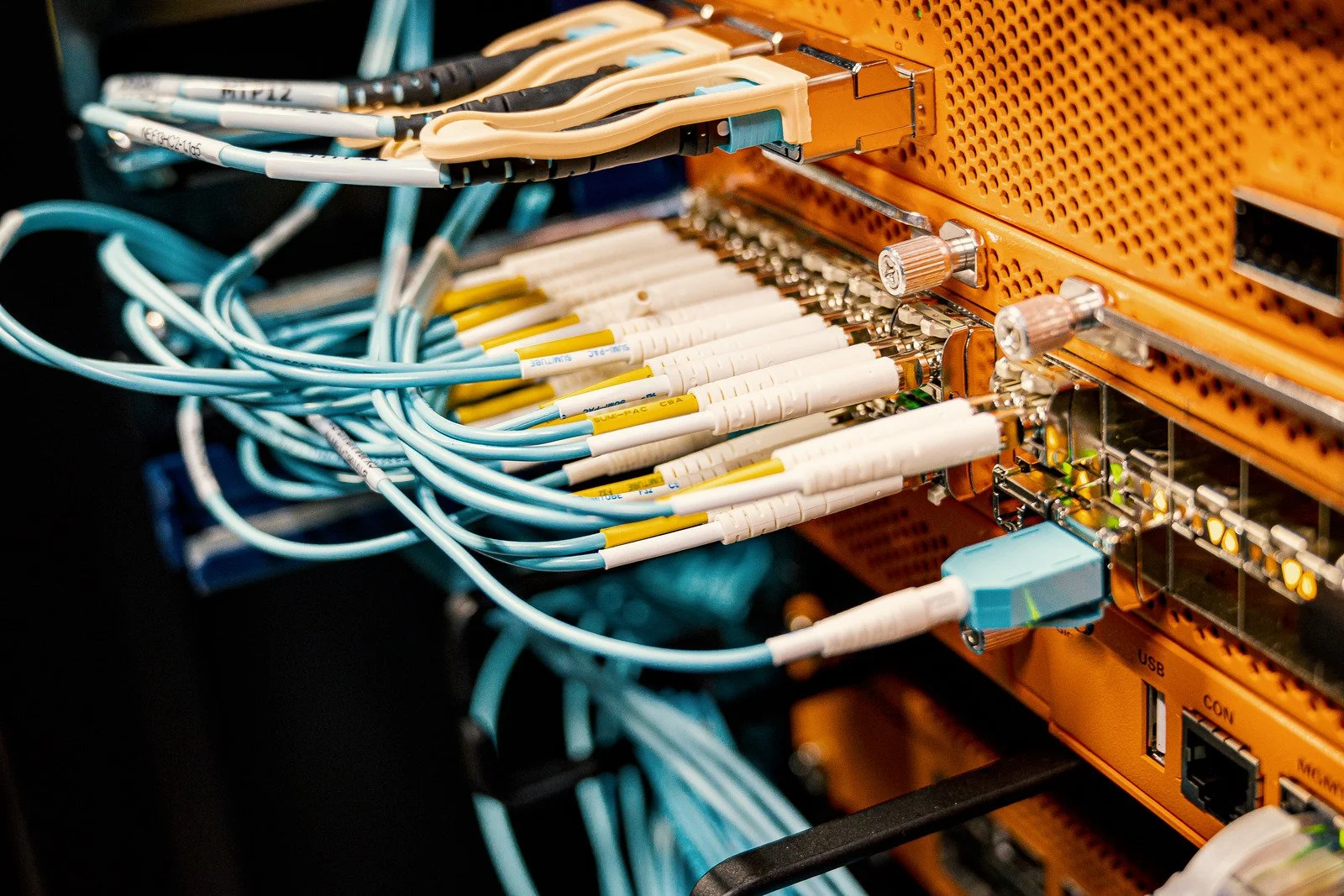
Network and Low-Voltage Wiring in Spring Hill, FL
Cat6 Planned Around How Your Internet Arrives|Licensed & Insured, EC13011268
Cat6 in a Spring Hill house runs outward from the router or gateway your internet comes through, wherever the provider's line or the cellular signal has put that box. Once its location is known, each cable can be routed through the attic to the desks, the TVs, and the ceiling access points that need a steady connection.
Mention the kind of internet service the house uses.
Call (352) 251-2795, Monday through Friday, 8 a.m. to 4 p.m., or send a request online. Calls after hours are returned the next business day.
At a glance
Network Wiring for the Ways Spring Hill Goes Online
Of roughly 45,600 Spring Hill households, about 37,100 subscribe to cable, fiber optic, or DSL service, and about 4,500 rely on a cellular data plan with no other subscription, by census estimates. The kind of service decides where the first cable can start. Roughly 2,100 households have satellite service, and nearly all of them carry another kind of subscription as well.
In the same estimates, roughly 7,100 of about 49,900 Spring Hill workers did their jobs from home, close to one in seven. In a house where someone works from home, the office can be the first room on the run list, with the jack placed where the chair and the screen will actually sit.
About 38,900 Spring Hill households have a desktop or laptop, and about 2,800 have a smartphone with no other computing device, in those estimates. A phone has no network jack, so where smartphones are the household's only computing devices, the Cat6 mainly serves the ceiling access points the phones reach by Wi-Fi.
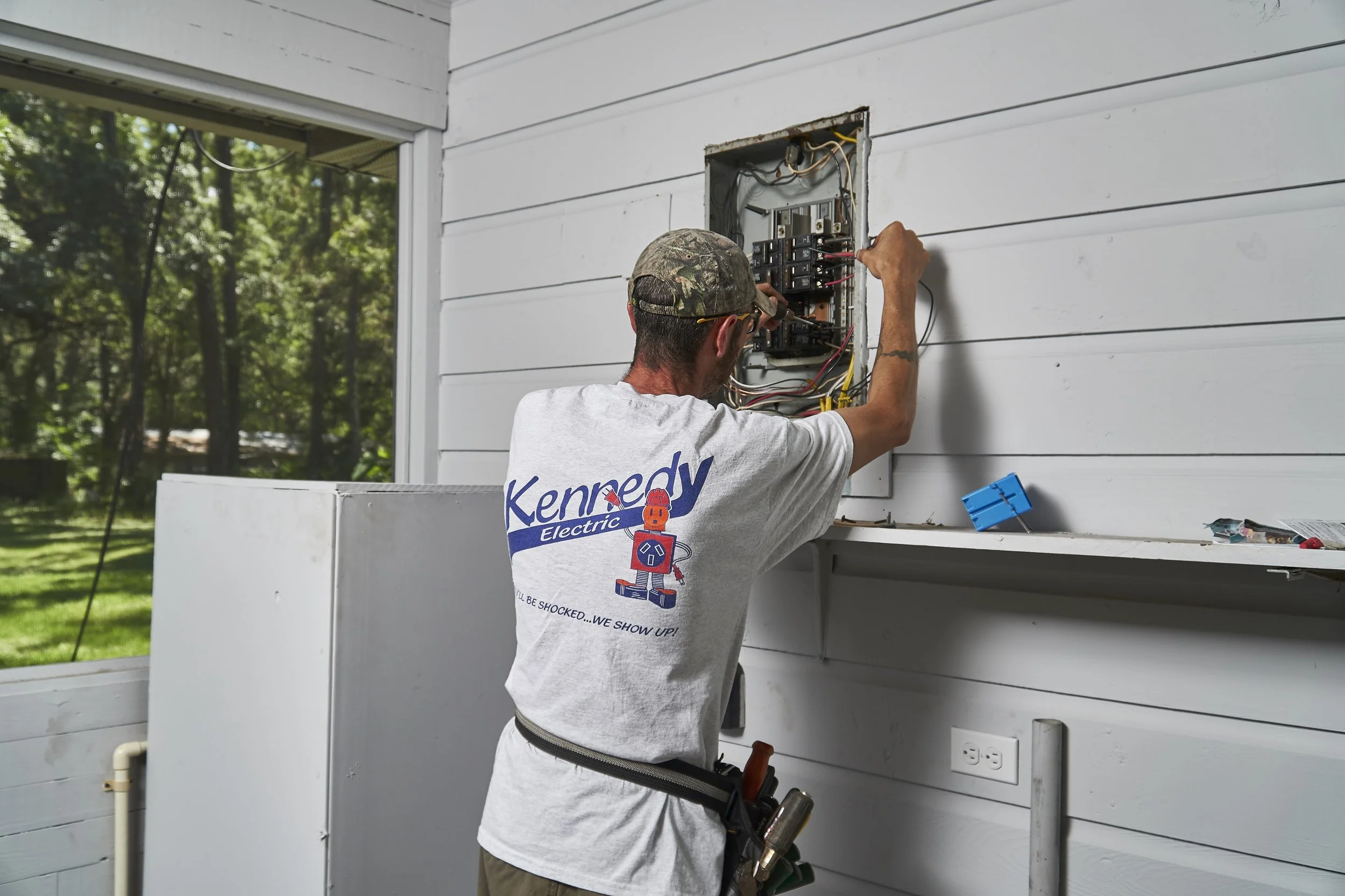
Hernando County's residential exemption list puts communications wiring at 50 volts or less among the jobs that need no permit, as long as the house sits outside a flood zone. A network job is then scheduled around reaching the attic and the walls. An added outlet for the equipment is electrical work, and that exemption doesn't reach it.
How it runs
Your Part Before the Network Cable Is Pulled
-
1
Name the service and where it lands
Before the visit, let us know which kind of service the house uses and take a photo of where it lands: the wall the provider's line comes through, or the shelf holding the cellular router. That one photo shows the electrician where the first cable begins.
-
2
Choose which rooms come first
Rank the rooms by how much each one needs a steady connection: a TV that streams every night, a ceiling spot for an access point, a spare bedroom's desk. You decide how far down that list this job goes.
-
3
Set the height of each jack
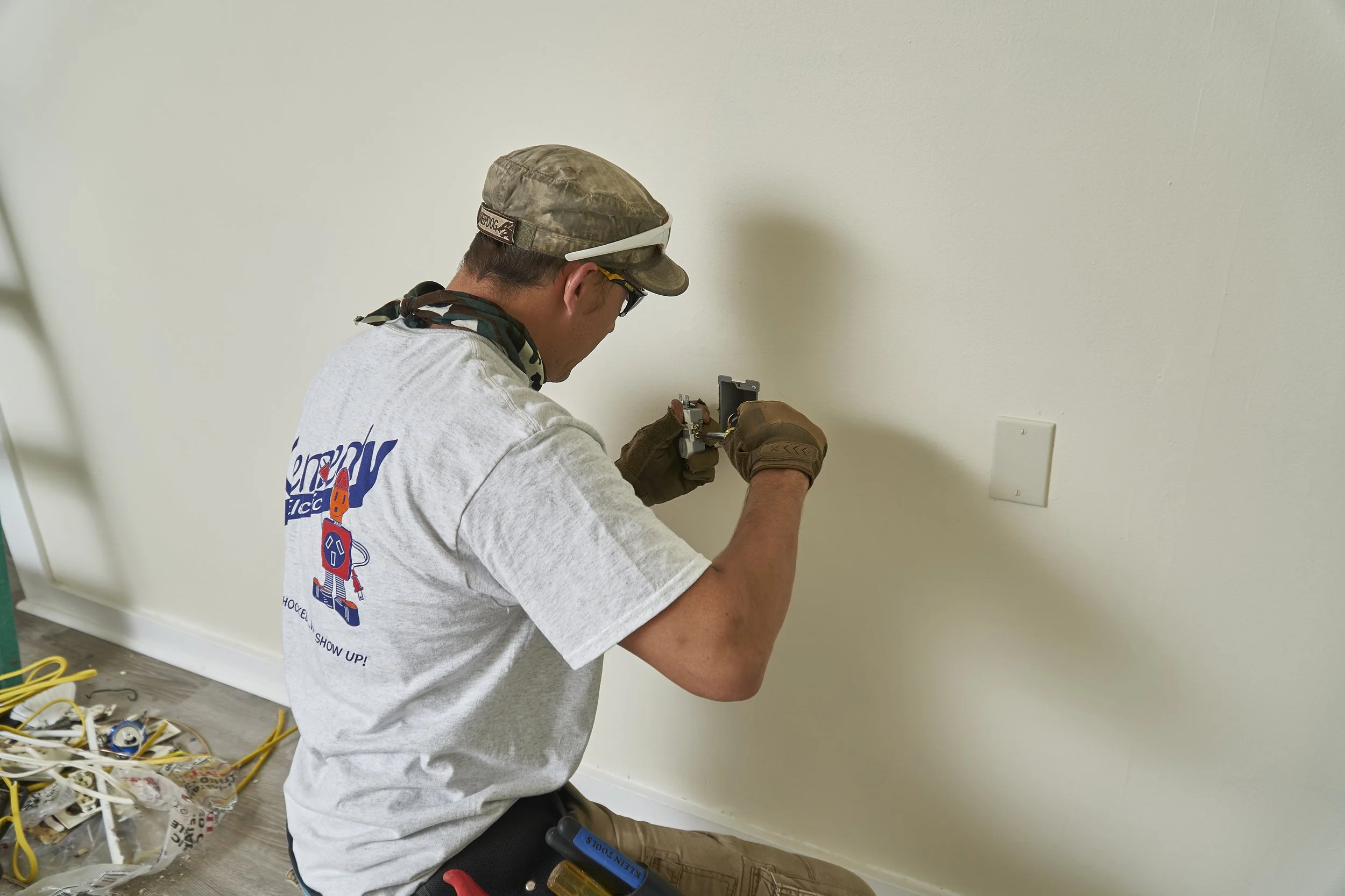
Say whether each jack belongs low near the floor, at desk height, or high behind a wall-mounted TV, so each cable is dropped to the right height inside the wall and the jack lines up with what plugs into it.
What we cover
Where Your Network Wiring Starts, by Service
Each kind of service tends to put its equipment in a different part of the house, and the room runs branch out from wherever that equipment ends up, so the same floor plan can be wired three different ways.
Wiring out from a cable, fiber, or DSL line
The provider's line usually ends at a modem or gateway near the wall where it enters. Runs to the rooms can start right there. When that wall sits in the garage or a far bedroom, a single Cat6 link can carry the connection to a central closet instead, and every room cable then begins at the closet.
A cellular router with no line coming in
Nothing comes in from the street, so the router tends to sit wherever its signal is strongest, and that location is settled first. If the signal later favors another window, a short cable from the router to a fixed spot keeps the room runs from depending on where the router stands.
Satellite service beside a second line
The dish's cable comes into the house at an entry of its own. If the house also has a wired or cellular service, the cable is laid out around whichever router you keep as the main one, and a run can join the other unit to it. A dish cable that comes in near the roofline can land far from the rooms, so the run from that entry to the main router can be the longest one on the job.
Pricing
Network Wiring Pricing and the Path to Each Room
The price follows the route: where the service equipment sits in the house, how much attic lies between it and each room on your list, and which walls the cable has to drop through.
Custom homes and large or multi-phase projects are estimated as soon as we can, or on the timeline your project sets.
Repair and troubleshooting visits are billed by the hour from arrival: $100 residential, $150 commercial, one-hour minimum, then half-hour increments, plus materials. No trip charge and no service fee. No hidden fees: the 3.5% surcharge on card and ACH payments is listed in our terms.
We don't do upfront pricing. No job has a standard price with us: each one is tailored to the property and the work you've asked for, and priced once we've seen it.
We offer free estimates on installs, upgrades, and replacements in our service area. Estimates aren't free when the job needs troubleshooting or testing to price, falls after hours or outside our service area, needs several meetings to gather information, or is new construction or a custom remodel with multi-party walk-throughs. For most jobs, estimates arrive by email by the end of the next business day, and quotes are good for 30 days.
Our warranty
05If something we installed fails because of our workmanship within 30 days of completion, we waive the hourly labor to put it right. Materials Kennedy Electric purchases for your job carry the manufacturer's one-year warranty. To replace defective materials we supplied, or materials damaged by storm, flood, fire, or other acts of God, we charge a reduced warranty labor rate of $50 an hour residential and $75 an hour commercial. The warranty does not cover materials not purchased by Kennedy Electric, work performed by the customer, or materials the customer purchased or damaged. Our warranty terms are printed on the estimate, the invoice, and the receipt, and the product boxes stay with you so you can register each product with its manufacturer.
Does network wiring in our Spring Hill house have to wait for internet service, or change if we switch providers?
Can one jack in a Spring Hill home office handle a computer, a printer, and a dock?
Can a new network jack go in the same wall box as an outlet in our Spring Hill house?
Is any of the new cable left showing?
Will our internet stay on while the cable goes in?
Reviews
Notes From Earlier Cable and Wiring Jobs
Straight from Google, in our customers' own words.
Request service
Name the Spring Hill Rooms That Need a Jack
List the rooms and ceiling spots, and say how your internet comes in. Our office will reach you during business hours.